Ludo Arena
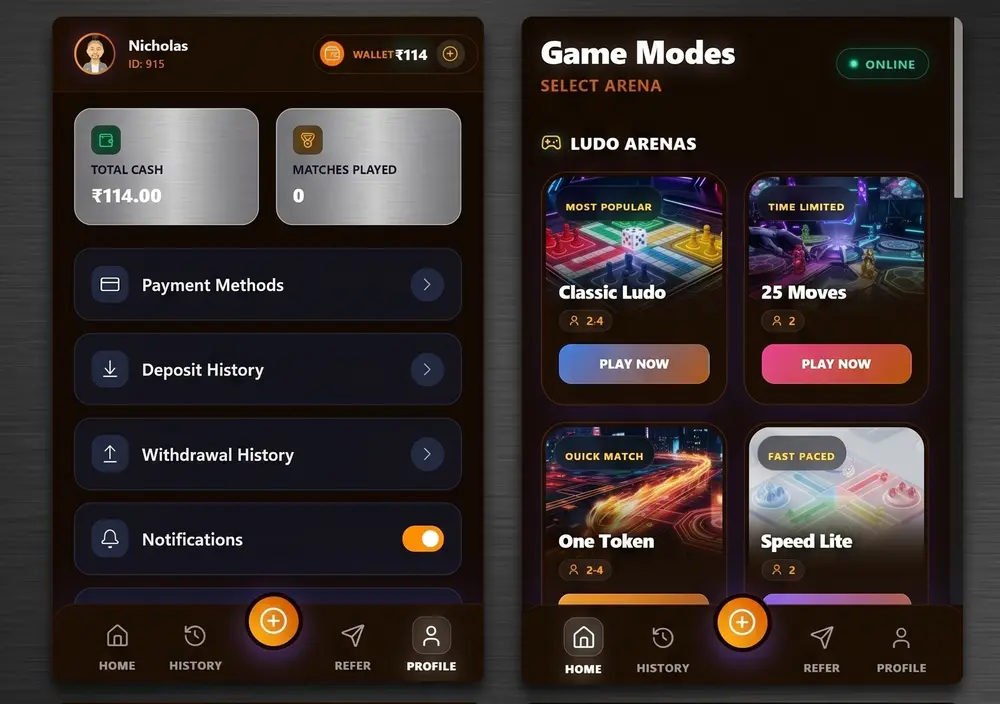
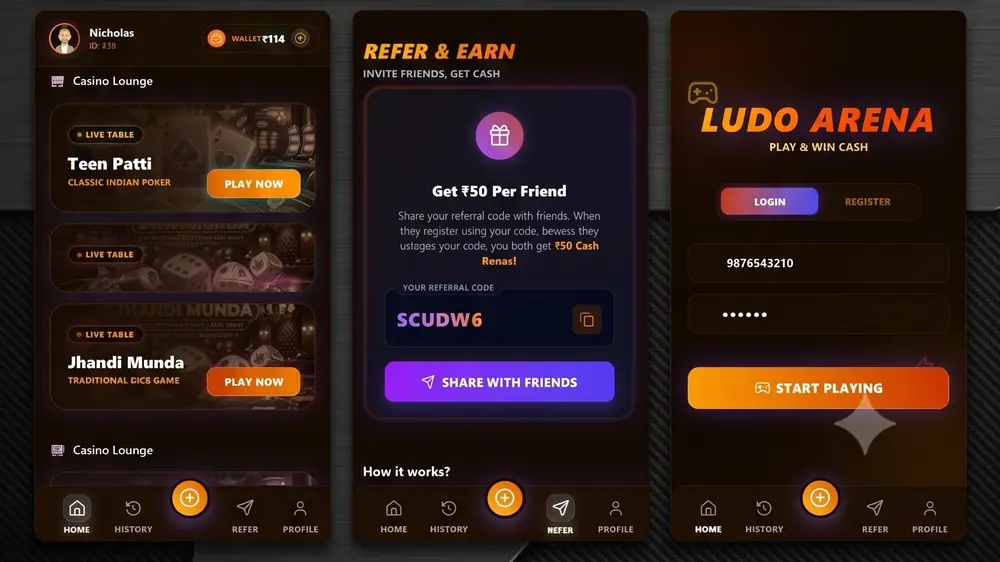
Ludo Arena is a competitive multiplayer gaming platform offering multiple game modes including Classic Ludo, Speed Ludo, Speed Ludo Lite, and 25 Moves.
Project Matrix
- ClientLudo Arena
- IndustryEntertainment
- Year2026
- Live Demo
Technologies
01 / Case Study Overview
The Narrative
Ludo Arena is a competitive multiplayer gaming platform offering multiple game modes including Classic Ludo, Speed Ludo, Speed Ludo Lite, and 25 Moves. The platform focuses on delivering smooth real-time gameplay through synchronized multiplayer sessions powered by WebSocket technology.
02 / The Challenge
The Bottleneck
Real-time multiplayer gaming demands precise synchronization between connected players while maintaining fairness, preventing desynchronization, and minimizing latency. Managing timers, game state, room management, and live player interactions required a robust backend architecture.
03 / The Solution
Our Strategic Response
MSA developed a real-time multiplayer engine using Socket.io integrated with Express.js APIs and MySQL. Efficient room management, secure authentication, synchronized gameplay, and optimized state management deliver a smooth multiplayer gaming experience across devices.
04 / Execution Framework
Development Process
Gameplay Requirement Analysis • Multiplayer Architecture Design • Socket Server Development • Game Logic Development • Matchmaking System • Authentication • UI Development • Performance Optimization • Testing • Deployment
05 / Feature Architecture
Key Specifications
Classic Ludo
Speed Ludo
Speed Ludo Lite
25 Moves
Real-Time Multiplayer
Socket.io Synchronization
Room Management
Matchmaking
Timer Management
JWT Authentication
Responsive Design
REST APIs
Leaderboard Ready Architecture
06 / Business Impact
Verifiable Outcomes
Reliable multiplayer synchronization • Low-latency gameplay • Responsive gaming interface • Modular architecture • Secure player authentication • Future-ready gaming infrastructure
Visual Presentation
Project Gallery
Interactive high-resolution media captures of the project modules. Click any layout below to open the media inspector.